


.svg)
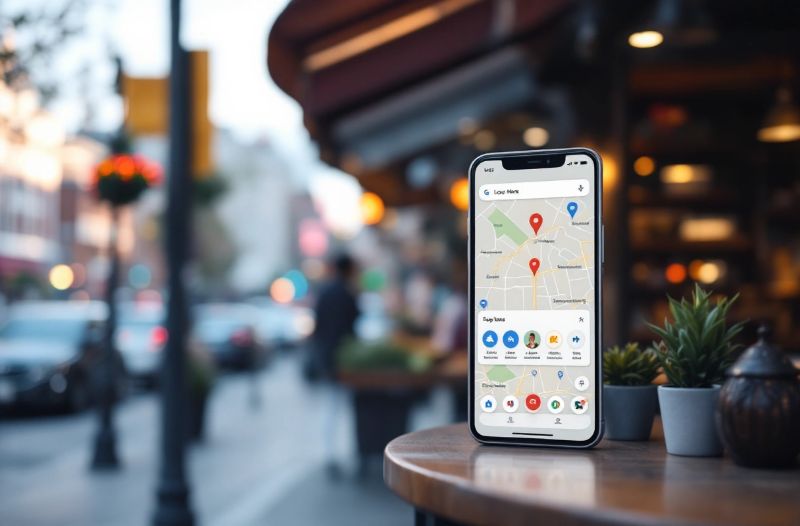
When people search for a nearby service, they’re usually ready to take action. They’re looking for the closest plumber, the most trusted dentist, or a café that’s open right now. The first thing they often see is the Local Map Pack — three businesses shown at the top of Google results, complete with ratings, contact info, and directions. Getting into that top 3 is no longer a nice-to-have. For local businesses, it can be the difference between steady leads and being invisible.
This guide explains how the Local Map Pack works, what Google looks for, and how to optimize your presence so your business appears where customers are already looking.
- Only verified and optimized Google Business Profiles are eligible to rank in the Local Map Pack.
- Complete and accurate business information builds trust with both customers and Google.
- Local keywords, reviews, and posting activity all influence rankings.
- Consistency across listings is one of the strongest ranking signals.
- Automation tools like Helm help keep profiles active and optimized.
Why the Local Map Pack Matters for Local Businesses
The Local Map Pack appears above traditional search results and often above paid ads. That prime placement means more clicks, more calls, and more visits. For many local businesses, this is where the majority of search traffic happens.
Customers trust these results because Google has already filtered nearby options and highlighted top-rated listings. When your business shows up here, you gain instant credibility.
What Appears in the Map Pack
- Your business name
- Address and directions
- Phone number
- Review scores
- Opening hours
It’s a snapshot that helps customers make fast decisions. If your listing looks professional, complete, and active, they’re more likely to choose you.
Step 1: Create and Verify Your Google Business Profile
You can’t rank in the Local Map Pack without a Google Business Profile. Creating one is simple, but verification is required before Google trusts your listing.
How to Get Started
- Visit Google Business Profile and click Manage now
- Enter your business name and address
- Select the correct category
- Verify your business by phone, email, or postcard
Until your profile is verified, it won’t have full visibility. Completing verification early opens the door to ranking.
Step 2: Fill Out Every Detail — Completely and Accurately
Google rewards profiles that are finished. Incomplete listings look untrustworthy and may not appear when customers search.
What to Include
- Full business name
- Correct address and zip code
- Primary phone number
- Website link
- Up-to-date hours, including holiday hours
- Business category and additional services
Complete information helps both customers and search engines understand who you are and when you’re available.
Why Accuracy Matters
Even small errors create friction.
- Wrong phone number? Lost leads.
- Outdated location? Confused customers.
- Missing hours? Missed opportunities.
Google cares about reliability, and accuracy is proof of reliability.
Step 3: Write a Strong Business Description with Local Keywords
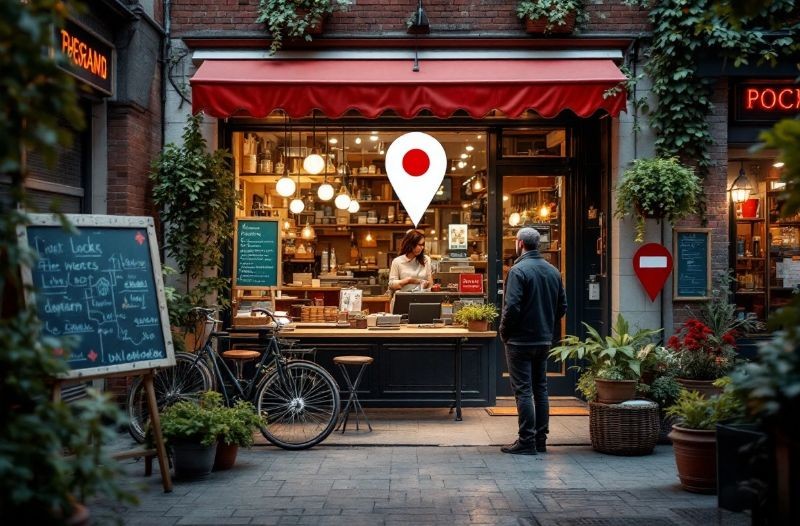
Your business description is more than a summary — it helps Google interpret what your business does and match you with searches.
Elements of a Good Description
- Clearly explain your services
- Add local keywords naturally
- Mention your city or region
- Avoid keyword stuffing
Google looks for relevance. When your listing reflects what people are searching for, your chances of appearing go up.
Practical Keyword Tips
- List the services you offer
- Research whether a keyword has local intent
- Group keywords around pages or categories
For example, instead of “We provide quality HVAC services,” a stronger version might be:
“Residential and commercial HVAC repairs, installation, and maintenance in Springfield.”
It’s direct and local.
Step 4: Earn Reviews and Respond to All of Them
Reviews are one of the strongest ranking factors. They influence both the algorithm and customer decisions.
Why Reviews Matter
- Customers trust recent reviews
- Google uses review signals to assess quality
- Higher ratings encourage more clicks
How to Get More Reviews
- Ask at the right moment (after service completion)
- Follow up with links or QR codes
- Offer a simple incentive (discounts or loyalty perks)
The key is authenticity. Manipulated or fake reviews eventually hurt credibility. Genuine feedback builds trust.
Respond to Every Review
Positive or negative, replies show that you care.
- Thank customers who leave praise
- Address concerns politely
- Show willingness to improve
This activity signals engagement and professionalism.
Ranking Factors Google Uses in the Local Map Pack
Google considers three main factors:
1. Relevance
How well your profile matches a search.
- Use accurate categories
- Add detailed services
- Incorporate relevant keywords
2. Distance
How close your business is to the searcher.
- Make sure your address is correct
- Add service areas where applicable
3. Prominence
How well-known your business is online.
- Earn reviews and maintain high ratings
- Build local citations
- Keep your profile active with updates
This combination determines who appears in the top 3.
Keep Your Profile Active with Posting and Updates
One of the simplest ways to improve visibility is to stay active. Google favors businesses that update their listings regularly.
What to Post
- Offers or promotions
- Events or seasonal reminders
- Tips related to your services
- Before-and-after photos
Posting weekly helps maintain freshness. Even short updates signal that your business is operating and engaged.
Build Local Citations and Backlinks
Citations are mentions of your business name, address, and phone number across the internet. They help Google verify your information.
Where Citations Come From
- Local directories
- News sites
- Community events
- Sponsorship pages
Some are created for you. The challenge is accuracy. If a newspaper prints the wrong number, or a directory lists an outdated address, trust is diminished.
Consistency Wins
The more consistent your listings are, the more confident Google becomes in promoting your business.
Optimize for Mobile Search
Most local searches happen on mobile devices. If your site loads slowly or is difficult to navigate, users leave — and Google notices.
Mobile Optimization Tips
- Fast-loading pages
- Clear CTAs and contact buttons
- Location and hours visible immediately
A strong mobile experience supports conversions.
Use Social Proof to Strengthen Trust
Your business may appear next to competitors with similar ratings. Small trust signals make a big difference.
Add Proof Elements
- Testimonials
- Photo galleries
- Certifications and awards
- Clear guarantees or policies
These elements reinforce reliability and reduce hesitation.
Automate Management to Stay Consistent
Managing a Google Business Profile takes ongoing effort, especially if you run multiple locations. Automation keeps everything active without becoming overwhelming.
How Automation Helps
- Schedule posts in advance
- Track reviews and respond faster
- Keep hours and information updated
Platforms like Helm make consistency simple. Agencies and local businesses can manage multiple locations, maintain accuracy, and stay visible without hiring extra staff.
Earning a Top Spot Is About Momentum
Ranking in the Local Map Pack isn’t a one-time task — it’s ongoing activity. The businesses that show up consistently are the ones that:
- Keep details accurate
- Post regularly
- Earn reviews
- Respond promptly
- Maintain strong citations
When Google sees consistent engagement, visibility grows.
Visibility That Turns Searches Into Customers
Getting into the top three spots means you’re seen first. You gain trust before anyone else. More calls, more visits, and more sales follow because people prefer businesses that look active and reputable.
With a strong setup and tools like Helm to help maintain that consistency, your business can secure its spot in the Local Map Pack and stay there. Visibility drives growth, and the Local Map Pack is where visibility begins.
Get free resources, access to new features, tips & tricks, and special offers by joining the Helm Newsletter.
No Spam. Sent Weekly.